
Top 5 Best CapCut Alternatives
CapCut is a popular video editing application, but it may not be the right choice for every creator. Some users want a more professional desktop editor, while others prefer a simple mobile application, better templates, or an editor that works well on Windows.
If you’re searching for the best CapCut alternative, there are several good options available. In this guide, we have selected five video editors that cover different needs, from quick mobile editing to professional video production.
The five alternatives covered here are VN Video Editor, DaVinci Resolve, Microsoft Clipchamp, InShot, and Canva.
– Quick Comparison –
| Editor | Best For | Platform |
|---|---|---|
| VN Video Editor | Overall editing | Android, iPhone, PC |
| DaVinci Resolve | Professional editing | Windows, Mac, Linux |
| Clipchamp | Windows beginners | Windows, Web |
| InShot | Mobile editing | Android, iPhone |
| Canva | Templates & social media | Web, Android, iPhone |
1. VN Video Editor
VN Video Editor is one of the best choices for users looking for a simple and flexible CapCut alternative. Its interface is designed for both beginners and creators who want more control over their timeline.
You can use VN for Shorts, Reels, YouTube videos, and other social-media content. It includes tools for trimming clips, adding text and music, applying transitions, adjusting speed, and working with multiple layers.
Key Features
- Multi-track timeline
- Keyframe controls
- Speed adjustment
- Transitions and effects
- Text and captions
- Music and sound effects
- Suitable for short-form videos
Pros
- Easy to learn
- Good selection of editing tools
- Suitable for beginners
- Useful for social-media content
Cons
- Some advanced desktop features may not match professional editors
Best for: Users who want an easy-to-use editor similar to the general CapCut editing experience.
2. DaVinci Resolve
If you’re looking for a CapCut alternative for PC with professional editing capabilities, DaVinci Resolve is one of the strongest options.
It combines video editing, color correction, visual effects, motion graphics, and audio production in a single application. Its free version provides a large collection of professional tools, while the paid Studio version adds additional capabilities.
Key Features
- Professional video editing
- Advanced color grading
- Visual effects
- Motion graphics
- Audio editing
- Multi-camera editing
- Windows, macOS, and Linux support
Pros
- Powerful free version
- Professional editing tools
- Excellent color-grading capabilities
- Suitable for long-form projects
Cons
- More difficult for beginners
- Requires a relatively capable computer
Best for: YouTubers, filmmakers, advanced editors, and users who want professional PC editing.
3. Microsoft Clipchamp
Microsoft Clipchamp is a convenient option if you primarily use a Windows PC and want a straightforward video editor.
It focuses on simple video creation rather than providing the extensive controls found in professional editing software. This makes it suitable for beginners, presentations, YouTube videos, and basic social-media content.
Key Features
- Simple timeline editing
- Text and transitions
- Templates
- Stock media
- Screen recording
- Browser-based editing
- Windows integration
Pros
- Beginner-friendly
- Easy to understand
- Good for basic projects
- Convenient for Windows users
Cons
- Not designed for advanced professional workflows
Best for: Beginners looking for a simple CapCut alternative for Windows.
4. InShot
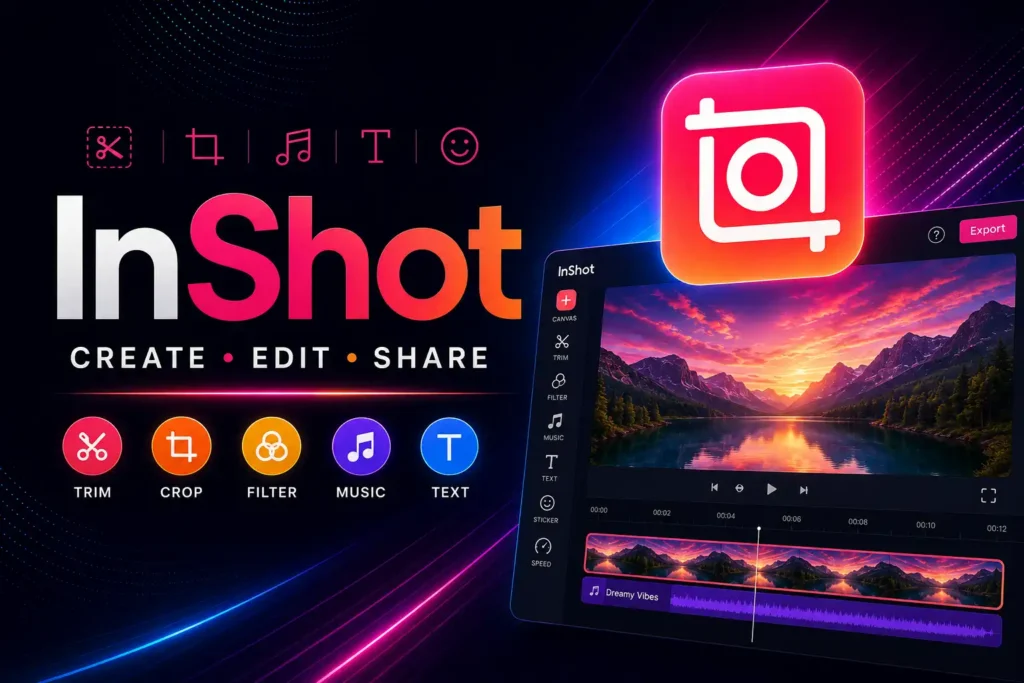
If you mostly edit videos on your smartphone, InShot is worth considering.
It is designed around quick mobile editing and works well for social-media content. You can trim and combine clips, add text, music, stickers, effects, and adjust the aspect ratio for different platforms.
Key Features
- Video trimming
- Music and sound effects
- Text and stickers
- Filters and effects
- Speed controls
- Social-media aspect ratios
Pros
- Simple mobile interface
- Fast editing
- Good for Reels and Shorts
- Easy for beginners
Cons
- Not intended to replace a professional desktop editor
Best for: Android and iPhone users who mainly create short social-media videos.
5. Canva
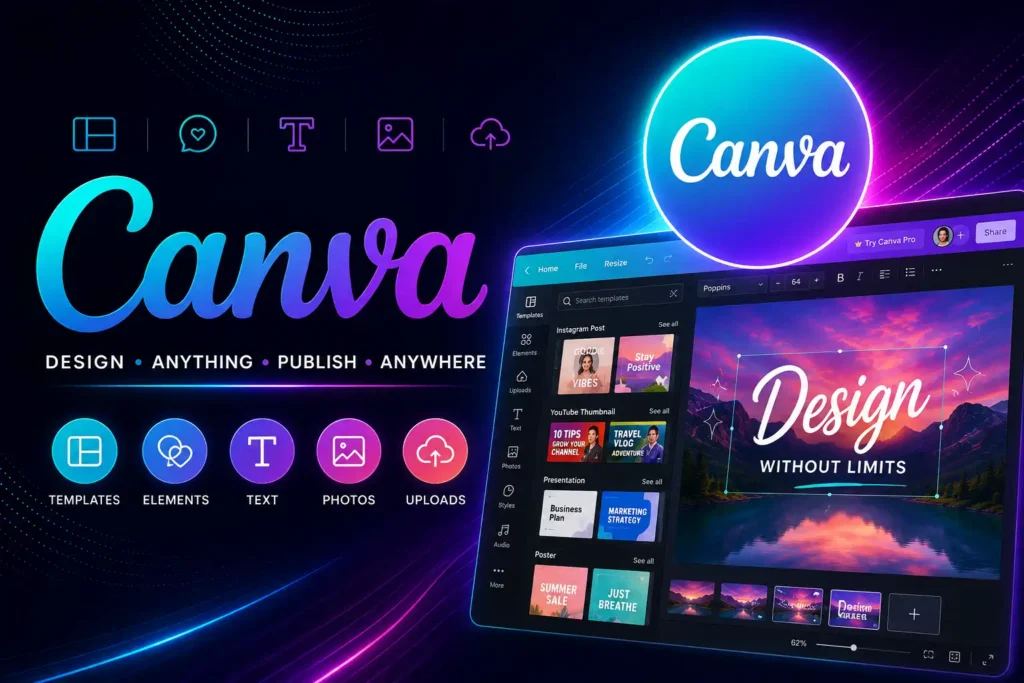
Canva is a little different from traditional video editors. Instead of focusing mainly on detailed timeline editing, it combines video editing with templates and graphic-design tools.
You can start with a template, add videos and images, insert text and animations, and create social-media content with a simple drag-and-drop workflow.
Key Features
- Video templates
- Drag-and-drop editing
- Text animations
- Stock media
- Social-media designs
- Browser-based editing
Pros
- Very easy to use
- Large template collection
- Excellent for social-media content
- Useful for beginners
Cons
- Less suitable for complex timeline editing
Best for: Creators who want templates and quick social-media videos.
- If you want to use CapCut on your Android device, check our CapCut APK Download guide.
- Looking for the desktop version? Read our CapCut for PC guide.
Which Is the Best CapCut Alternative?
The right choice depends on what you want to do.
For a CapCut-like experience
VN Video Editor is my first choice because it combines a relatively simple workflow with useful editing controls.
For professional PC editing
Choose DaVinci Resolve if you want advanced editing, color grading, effects, and audio tools.
For simple Windows editing
Microsoft Clipchamp is a good option for beginners who don’t need complicated controls.
For mobile editing
InShot is convenient for quick Android and iPhone projects.
For templates
Canva is better when you want to create videos quickly using templates and drag-and-drop tools.
Best Free CapCut Alternative
If your priority is finding a free CapCut alternative, don’t choose an editor based only on the word “free.”
Different applications have different restrictions for:
- Export resolution
- Watermarks
- Premium effects
- Templates
- AI features
- Stock media
- Advanced tools
VN and DaVinci Resolve are particularly worth considering if you want a capable free editing solution, but always check the current features and licensing information before starting an important project.
Best CapCut Alternative for PC
For Windows and other desktop platforms, my choices would be:
1. DaVinci Resolve – Best for advanced editing
2. VN Video Editor – Best for a simpler workflow
3. Microsoft Clipchamp – Best for beginners
If you create long YouTube videos or want to learn professional editing, DaVinci Resolve is the better long-term option.
If you want something easier and closer to the style of mobile editors, VN may be more comfortable.
Best CapCut Alternative for Android
For Android users, VN Video Editor and InShot are two practical choices.
VN is better if you want more timeline control and advanced editing options, while InShot is convenient for quick social-media videos.
Before installing any application, use its official website or official app-store listing whenever possible.
Why Should You Use a CapCut Alternative?
There are many reasons someone might want to try another video editor.
You may want:
- A better desktop workflow
- More professional editing controls
- Different templates
- A simpler interface
- Open or cross-platform software
- Better tools for long videos
- A mobile-focused editor
- Different export options
There is no requirement to use one specific editor for every project. Trying different applications can help you find the workflow that fits your needs.
Frequently Asked Questions
What is the best CapCut alternative in 2026?
VN Video Editor is a strong overall choice for users who want a simple editing experience, while DaVinci Resolve is better for professional desktop editing.
What is the best free CapCut alternative?
VN Video Editor and DaVinci Resolve are two good options to consider. Their available features and limitations are different, so choose according to your editing requirements.
What is the best CapCut alternative for PC?
DaVinci Resolve is an excellent choice for advanced PC editing. VN and Clipchamp are easier options for beginners.
What is the best CapCut alternative for Android?
VN Video Editor and InShot are good choices for Android users who mainly create short-form videos and social-media content.
Is VN better than CapCut?
Neither is automatically better for everyone. VN can be a good alternative for users who prefer its interface and editing workflow, while CapCut may be preferable for users who rely on its specific templates, effects, or other features.
Is DaVinci Resolve free?
DaVinci Resolve offers a free version with many professional editing features. There is also a paid Studio version with additional capabilities.
Which CapCut alternative is best for YouTube?
For simple YouTube editing, VN or Clipchamp can be enough. For advanced and long-form YouTube projects, DaVinci Resolve is a stronger option.
Can I edit videos without CapCut?
Yes. Many video editors are available for Windows, macOS, Linux, Android, iPhone, and web browsers. The best option depends on your device and editing requirements.
Final Verdict
There are plenty of CapCut alternatives available, but the best one depends on your editing style.
VN Video Editor is our overall pick for users who want a simple and flexible alternative. DaVinci Resolve is the better choice for professional PC editing, while Clipchamp is suitable for beginners on Windows. Mobile creators can consider InShot, and Canva is a convenient choice for template-based social-media videos.
Instead of looking for an exact replacement for CapCut, choose the editor that gives you the features and workflow you actually need.